
Description
What is Wavetool?
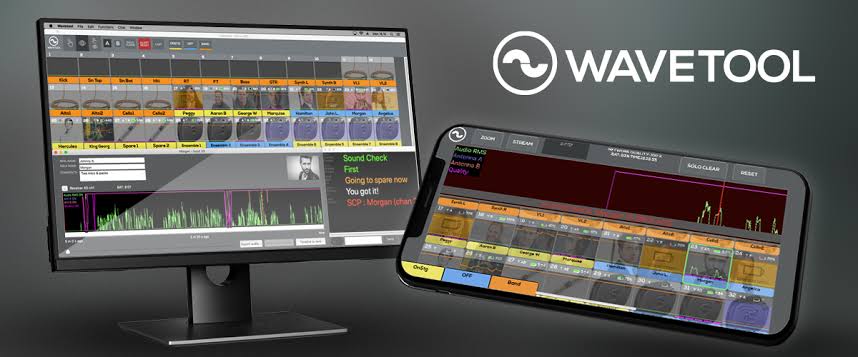
Unlock audio excellence with WAVETOOL – the ultimate monitoring software for audio pros. Say goodbye to the confusion of dealing with microphone mysteries; Wavetool’s smart algorithm swiftly detects and resolves sound issues. The tool combines monitoring features from different microphone brands, syncing seamlessly with top RF receivers. With Wavetool Chat, communication between the stage and FOH is effortless, making transmitter problem-solving a breeze.
Access the one-stop shop for audio monitoring, listening, and RF tools to empower your sound team. Dive into audio history through Instant Replay for precise analysis. You can also stream audio to your iOS device, enabling you to move freely onstage while utilizing the Wavetool Mobile Remote app.
Ready to elevate your audio monitoring capabilities?

Intuitive audio source and wireless mic monitoring for
- Theatre
- Film & Television
- Conferences
- Houses Of Worship
- Broadcast
- Location Sound
- Cruise Ships
- Reality Shows
- OB Trucks
- Live Sound
WAVETOOL FEATURES
- Low Software Latency
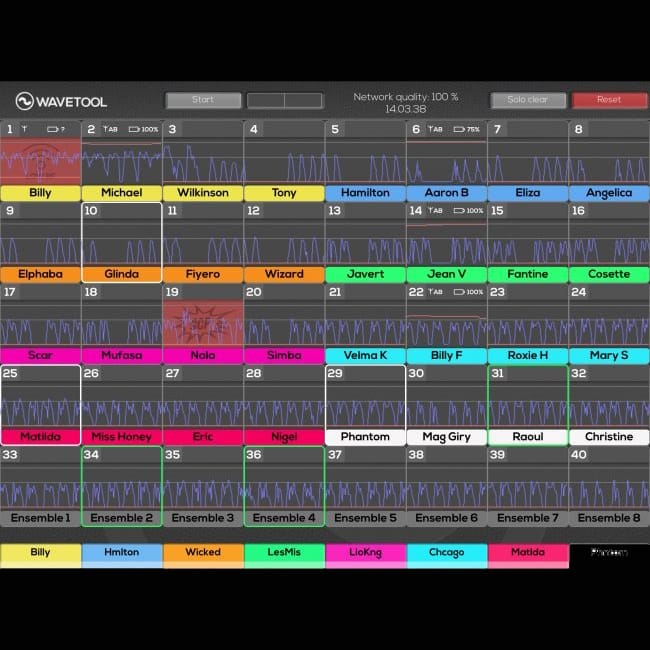
- Monitor and listen 128 channels of audio from any sound source independently in up to five locations (Server + 4 Clients)
- Free macOs and iOS remote apps
- Audio streaming over WiFi to iOS device with iOS Mobile Remote
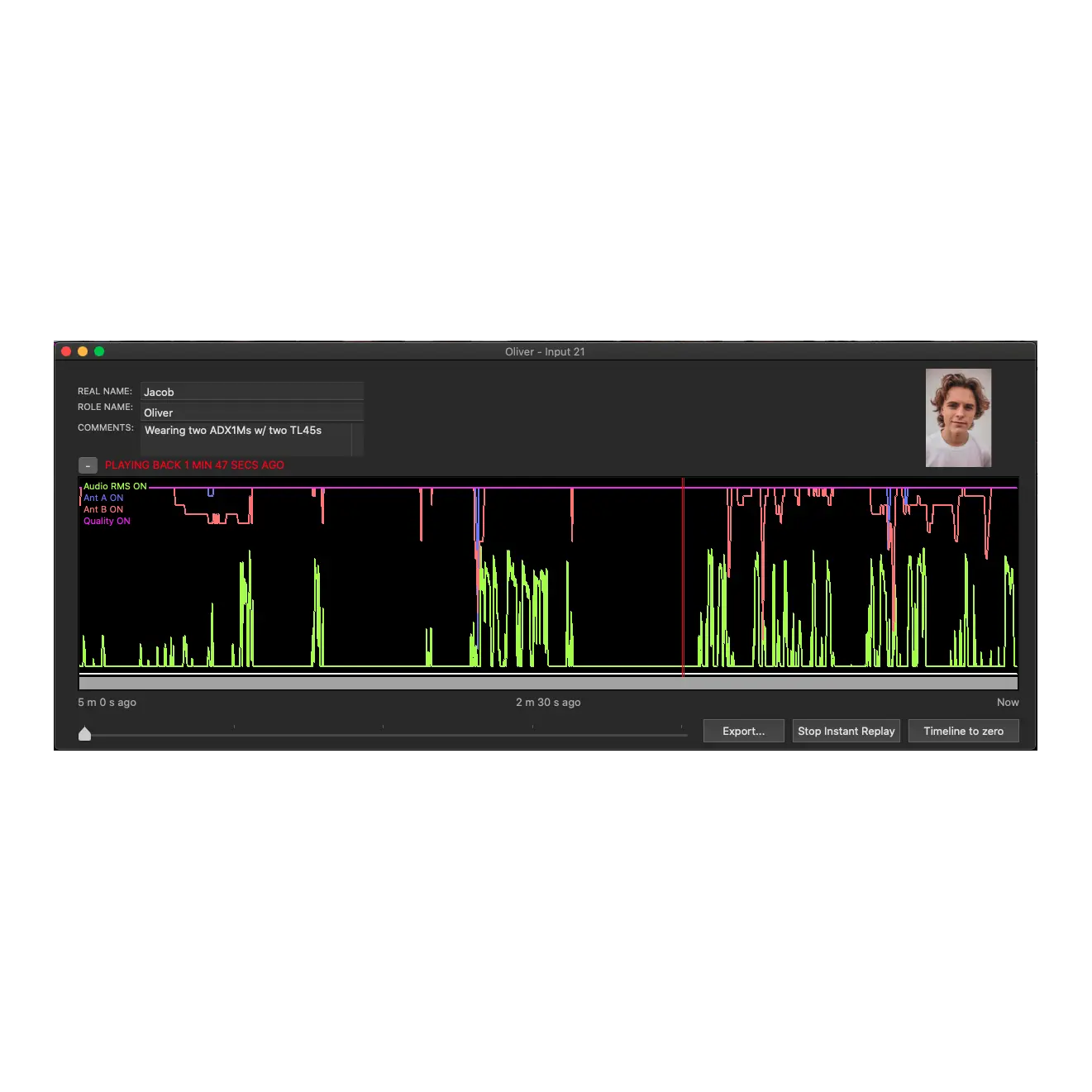
- Instant Replay plays back 5 minutes of audio for every channel while recording simultaneously
- Mic Check mode for marking checked / unchecked mics
- Notebook Mode for making quick notes about mics, actors or performers
- LTC display on a channel or on a big LTC window
- SCP algorithm catches broken mics or cables
- Freely configurable Channel I/O and input patch
- Timeline window with 5 min history of audio level, Quality level & both RF antennas and actor profile with picture and notes
- Alerts for peaks, SCP, silence, wireless receiver battery and low RF with adjustable thresholds
- Snapshots for channel group members
- Channel groups with adjustable colors
Features in Wavetool bundles
Chat
Communicate between all connected devices (macOS & iOS) with text chat. Create user configurable macros for instant messages.
Snapshots
Change channel Group members with manual or MIDI triggers per scene. Example: “On Stage” & “Up Next” groups that help the A2 audio tech to track the actors on a scene to scene basis.
128 channels
Monitor up to 128 channels of audio from almost any audio source. Create an aggregate device in order to use multiple audio devices as Wavetool input device.
Clients
Connect audio stream to computer running Wavetool and create up to five listening stations with independent channel layouts and audio mixes. (Only available in Platinum Bundle)
Support for wireless receivers include
Shure
SLX-D, Axient Analog, UHF-R
Auto-discovery for Axient Digital, ULX-D and SLX-D receivers
Sound Devices A10-Rack
A10-RX with A10-TX & A20-Mini, Wisycom MCR42 and Lectrosonics SRc.
Beyerdynamic
TG1000
(firmware 2.03.18 or newer)
Lectrosonics
Venue 2
DSQD
Sennheiser
EM3732-II, G3, G4, EM2050, EM6000, EM9046 (Firmware 4.0.0 or newer)
EW-DX (compatible w/ fw 3.03 or older. With fw 4.0, EW-DX must be in Legacy Mode, see FAQ)
EM3532, EM1046,
please check documentation
Sony
DWR-R02DN
DWR-R03D
Wisycom
MRK-950 / MRK-960, MRK-980 (Firmware 1.7 or newer)
MRK-16 with MCR54s
Reviews
There are no reviews yet.